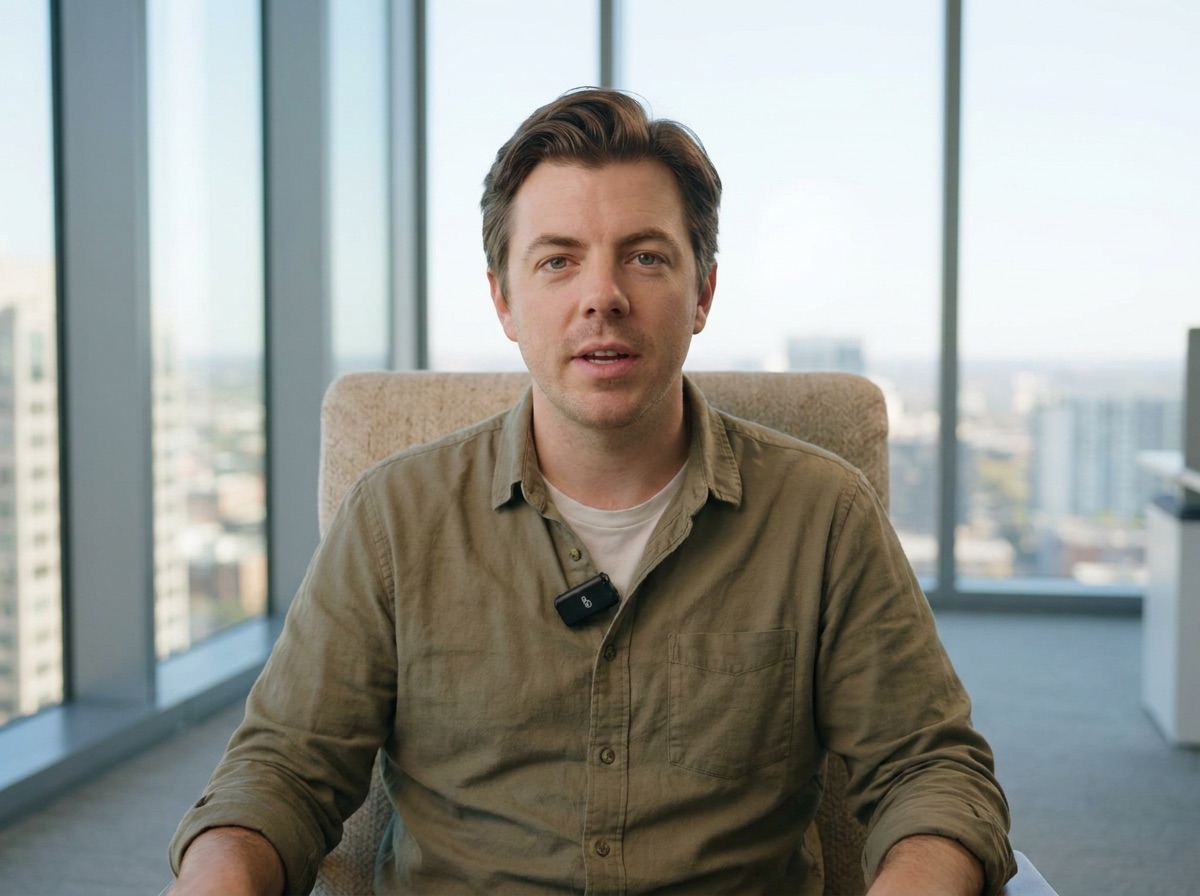
Set it up once, test it, and you can press record any day. About 1 hour indoors and 15 minutes in the car. Every part has audio, photos and steps you can tick off. Pick your camera below: the Pocket 3 when our team is on set, or your iPhone 14 or newer.
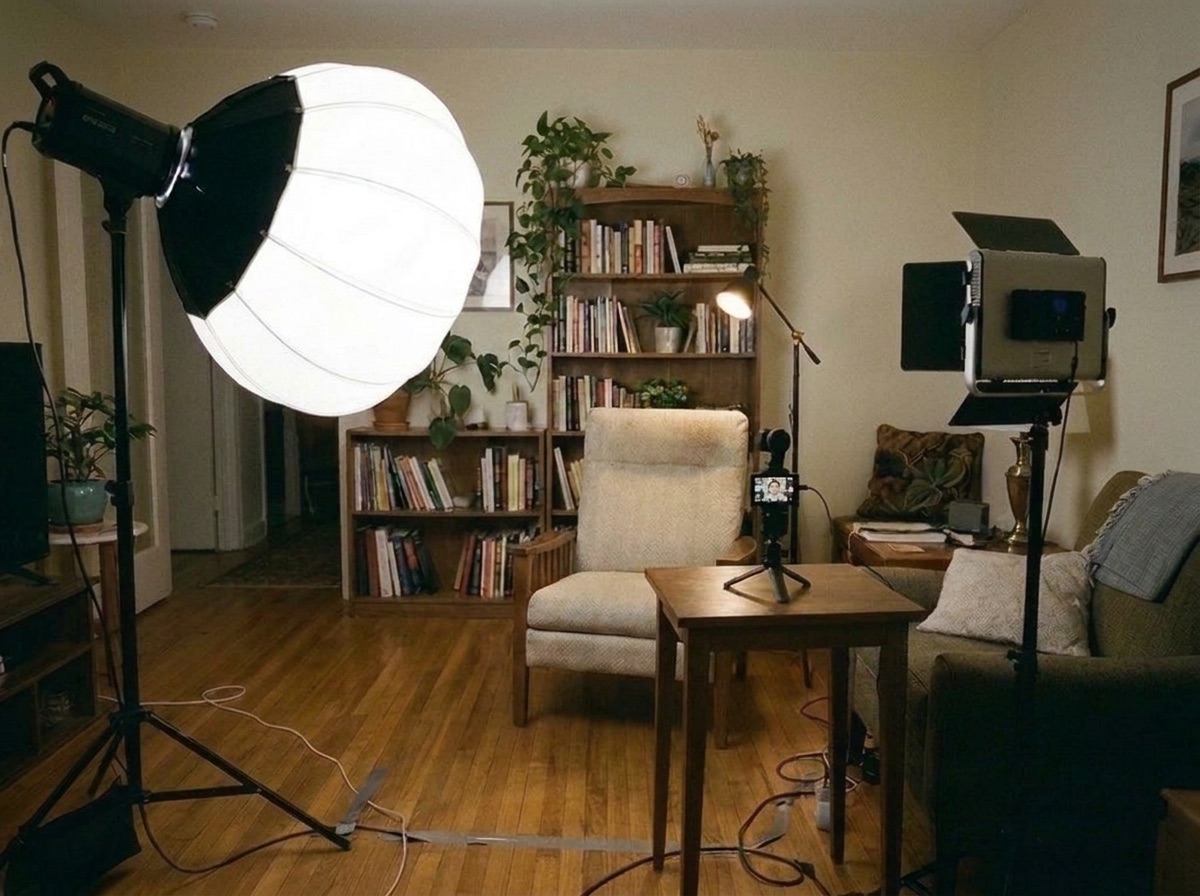
Pick one corner of one room and leave it set up. If it has to be built every time, nobody films.
🎧 Listen while you set up
Desk or no desk?
Chair only
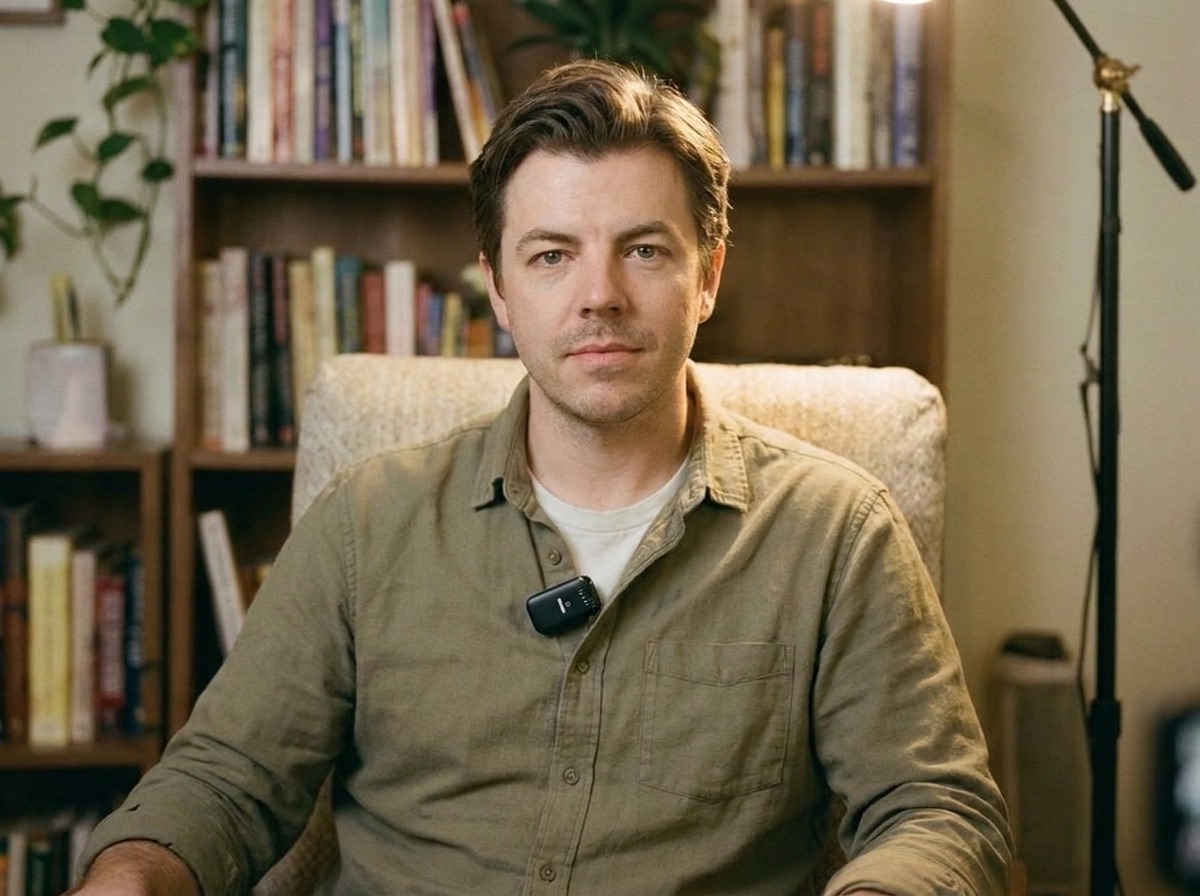
Best for stories and feelings. Hands are free, the frame is clean, and it feels like a conversation.
At a desk
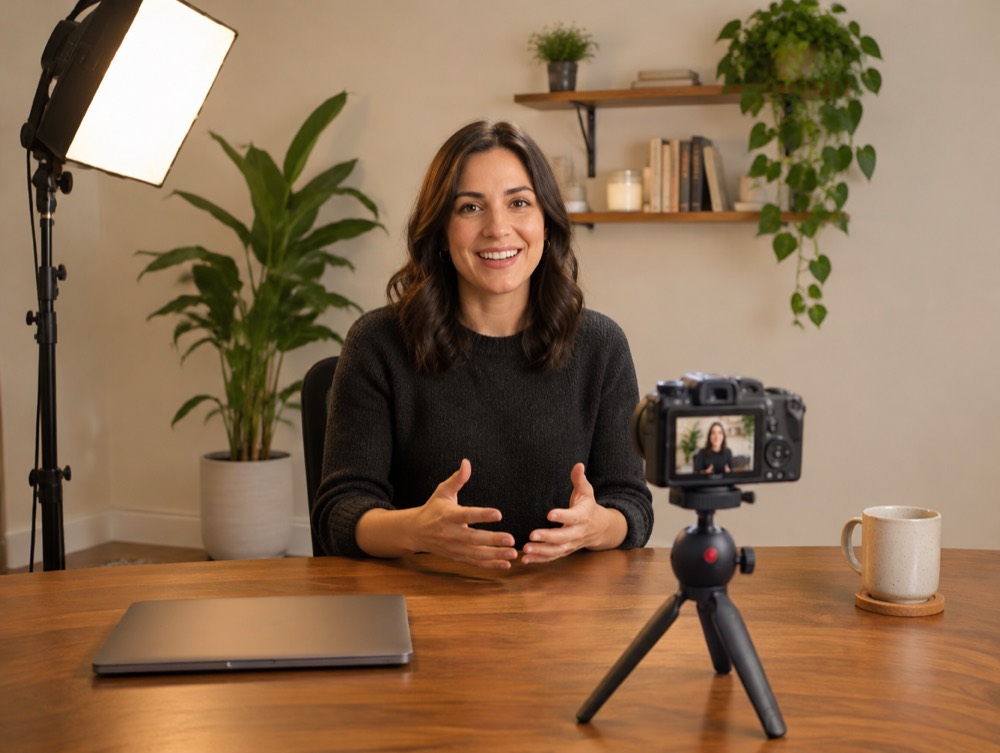
Best for teaching or showing things. Keep the desk clear: one or two objects that say what you do. The camera sits on a short tripod on the desk at eye level.
One corner, left set up, a plug close by.The desk version: clear desk, camera at eye level on a short tripod.
0:10 to 0:15
2. Set the background: real wall or green screen
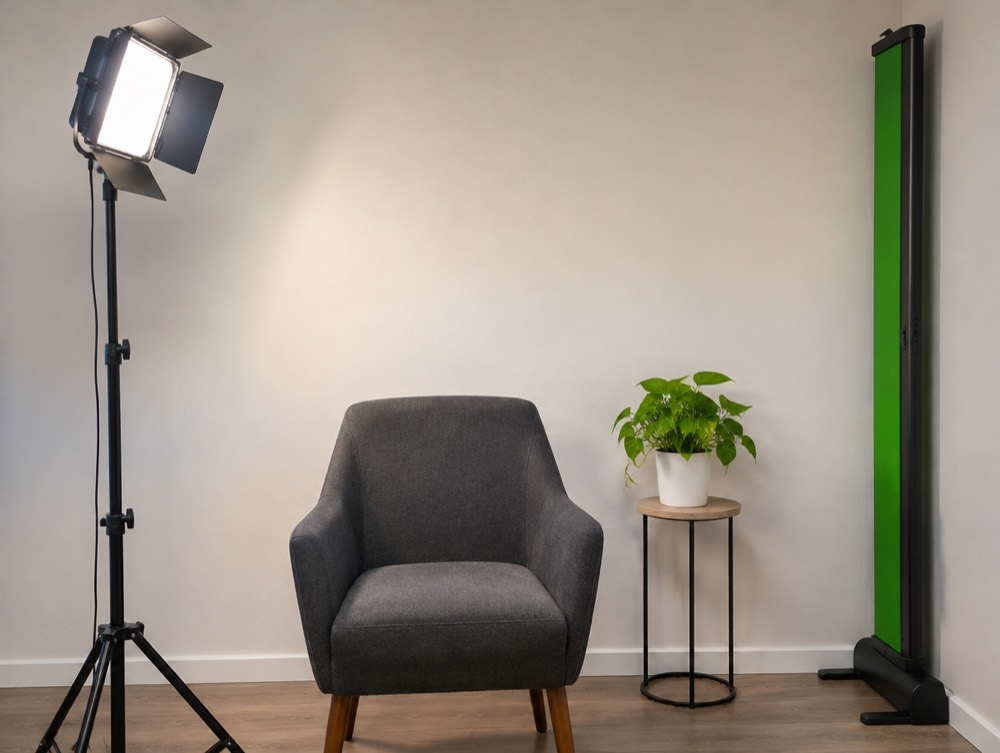
Start with a real wall. The green screen lives folded at the side of the room, and you pull it out only when the show needs a different background.
🎧 Listen while you set up
Use the green screen or not?
Real wall
Faster, looks natural, nothing to fix later. Use it unless the producer asks for green.
Green screen
Only when the show needs something behind the person, like their product or a place. It takes its own two lights and more setup time.
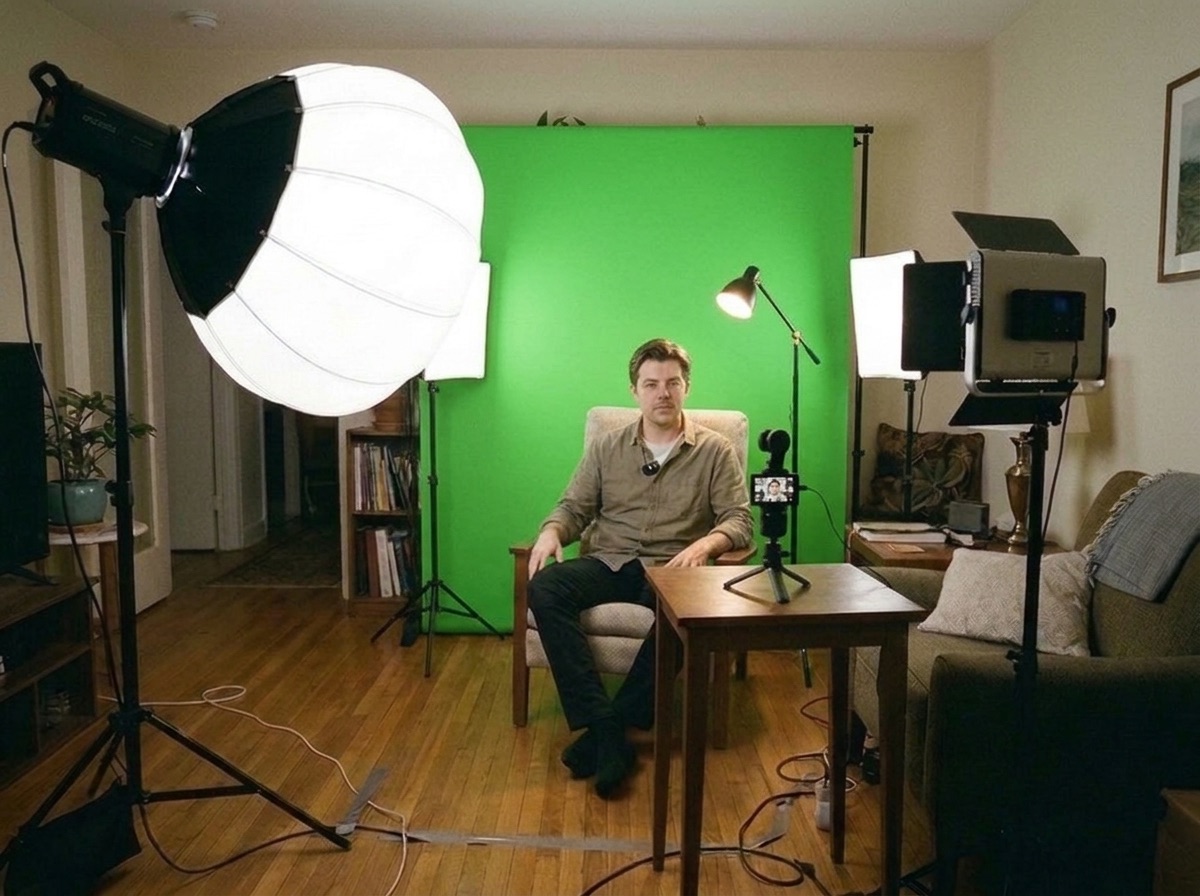
The green screen waits folded at the side until it is needed.Pulled out: flat, two arm lengths behind the chair, lit evenly.After the edit, the green is swapped for any background.
0:15 to 0:30
3. Light it: three-point or ring light
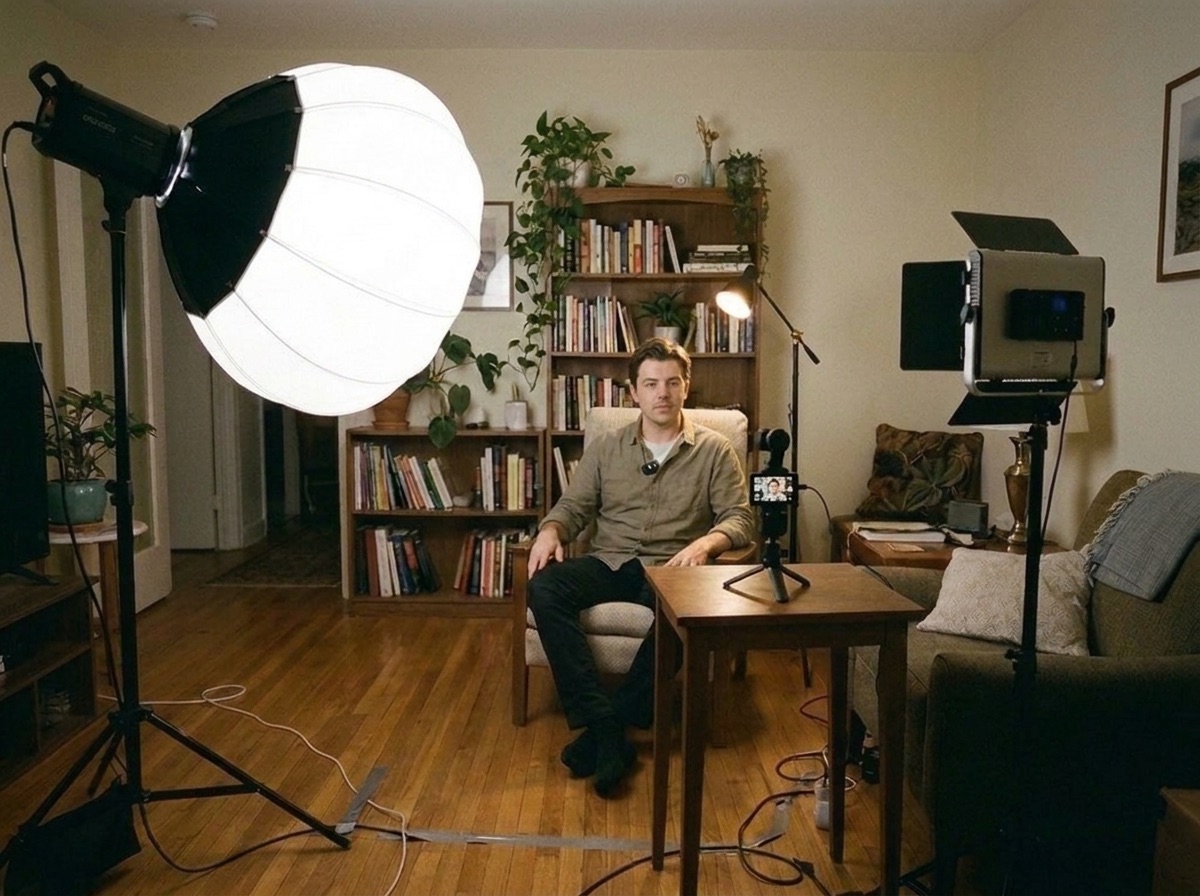
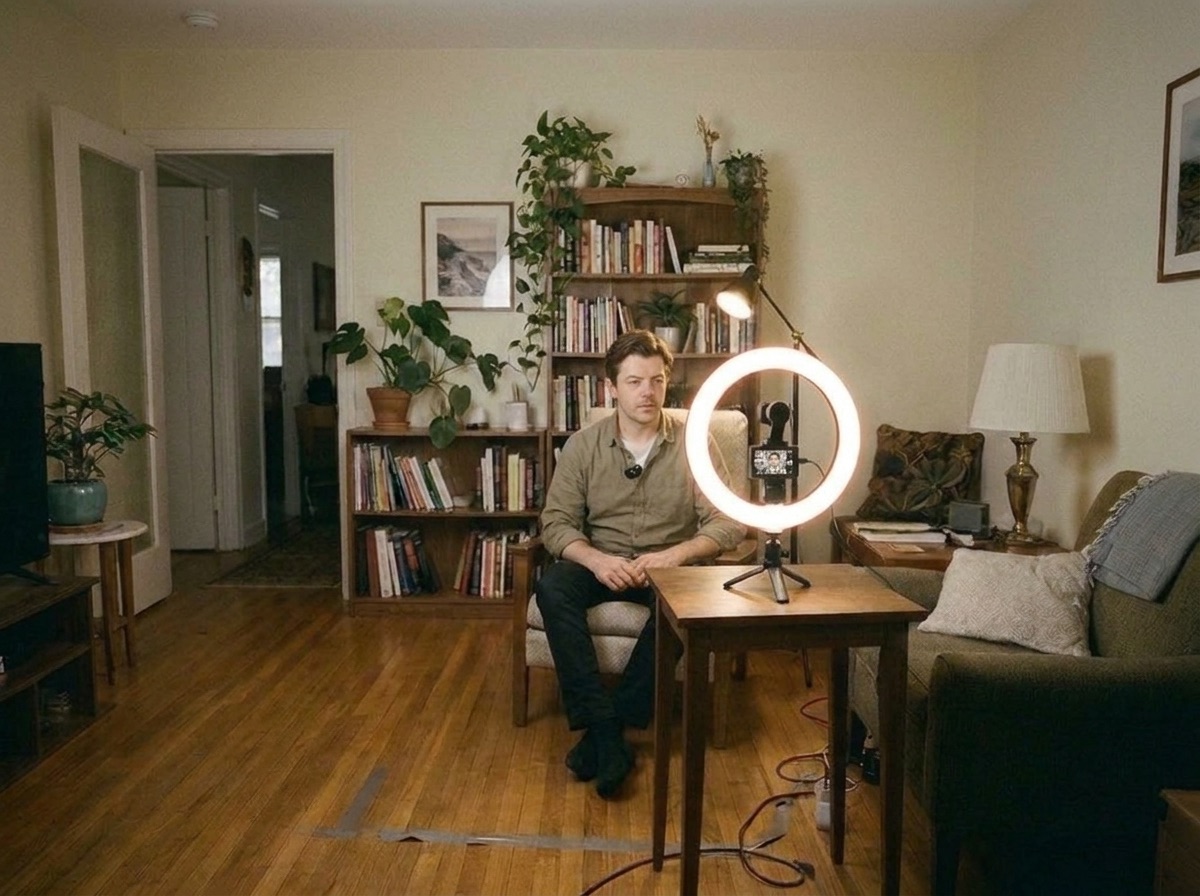
Three lights, each with one job, look the most like TV. One ring light is fine when that is all there is. Turn off the room's ceiling light either way.
🎧 Listen while you set up
Three-point kit or ring light?
Three-point
Looks the most like a real show. Use it whenever you have three lights.
Ring light
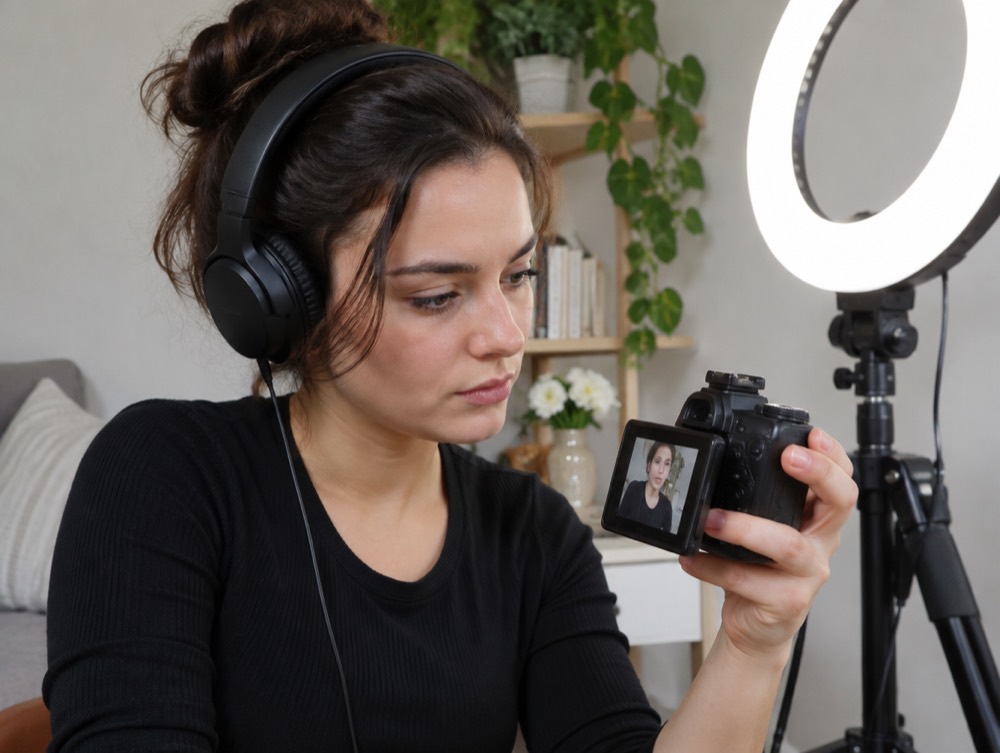
One light, fast, flattering for talking straight to the camera. Fine when it's all you have.
Three-point: key on the left, fill on the right, back light behind.Ring light: the camera sits in the middle of the ring.
0:30 to 0:40
4. Camera and tripod
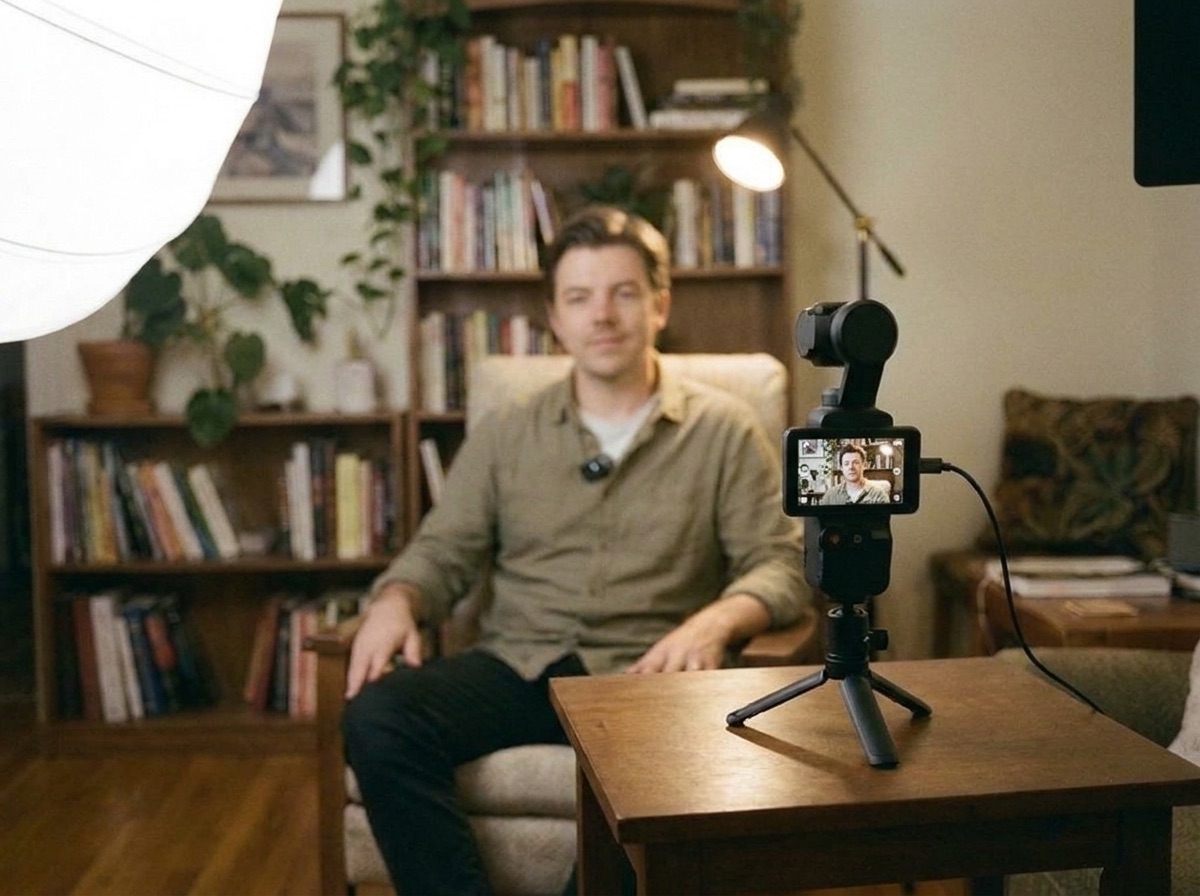
The camera sits at eye level, about an arm and a half from the person, and stays plugged in.
🎧 Listen while you set up
Camera on a small tripod at eye level, plugged in.
0:40 to 0:48
5. Audio
People forgive a soft picture. They leave over bad sound. Spend real time here.
🎧 Listen while you set up
The mic clipped on the shirt, a hand below the chin.
0:48 to 0:58
6. Test shots
Record two short tests and check every one before the real recording starts.
🎧 Listen while you set up
Play the test back with headphones before anything real.
0:58 to 1:00
7. Everything running, then record
Last check, then press record and keep it rolling.
🎧 Listen while you set up
When two of you film
Two camera people on one shoot
Sometimes two of you film the same shoot to get more coverage. One of you is the lead: usually the person with the most shoots with us, and we tell you who before the day. The lead has the final say on the shot list.
🎧 Listen while you set up
Now test it live
Check your frame and your sound on this phone or laptop in under a minute.
15 minutes, parked
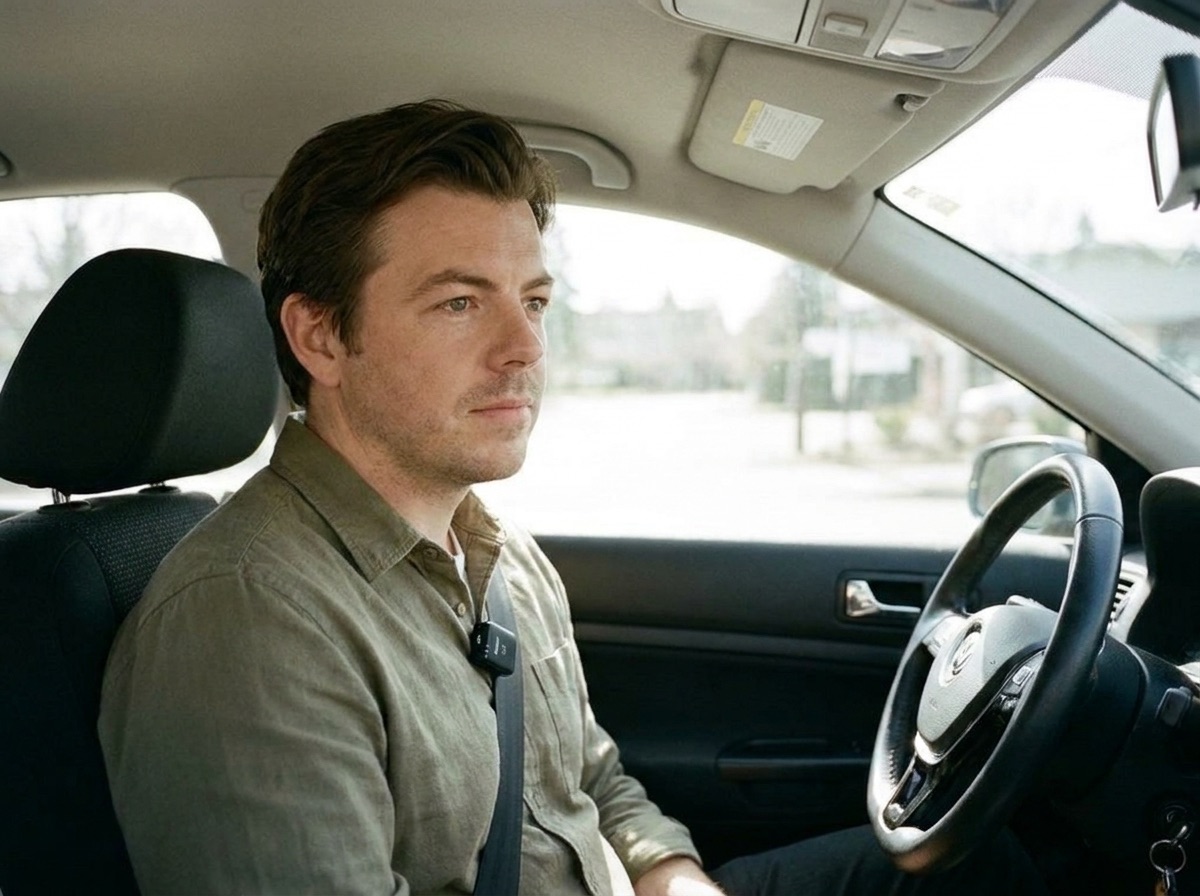
1. The car setup
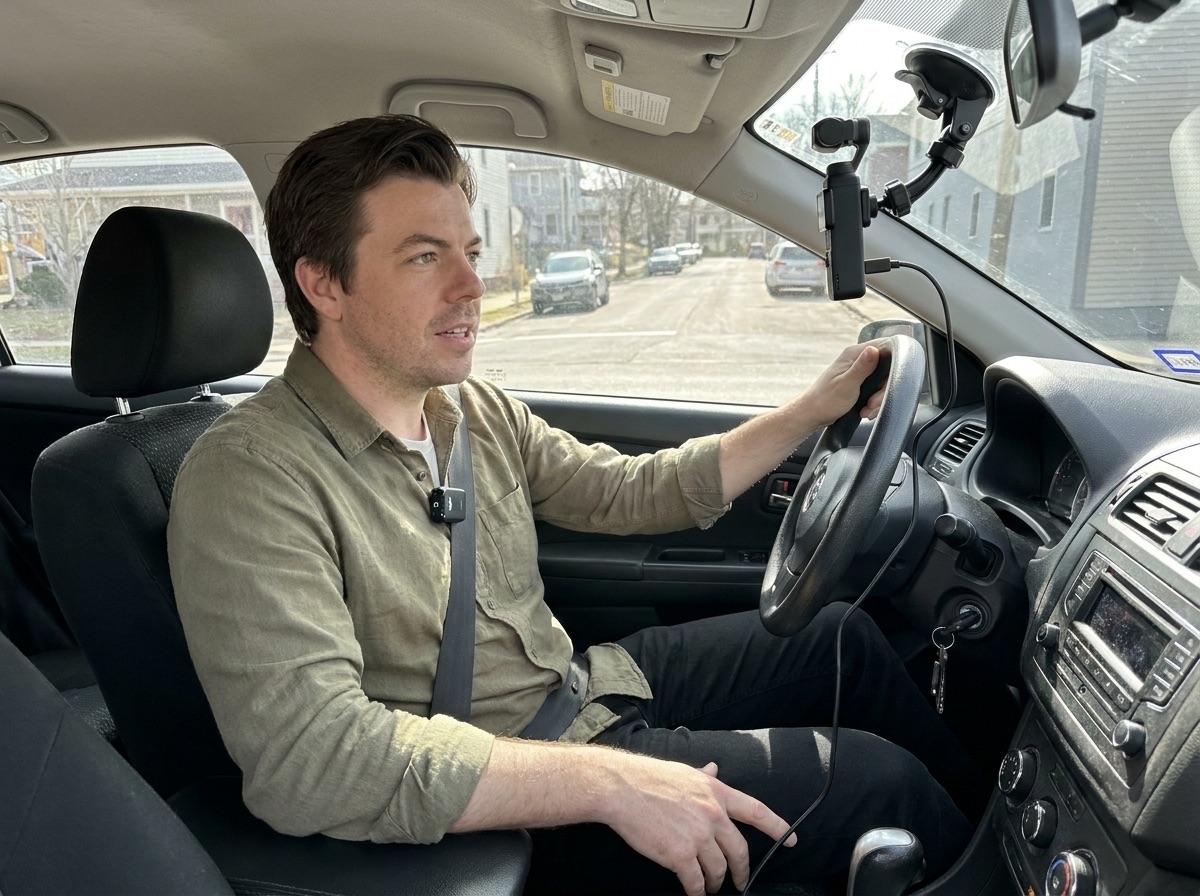
People say true things in a car. Set it up once, parked, and every drive becomes a session.
🎧 Listen while you set up
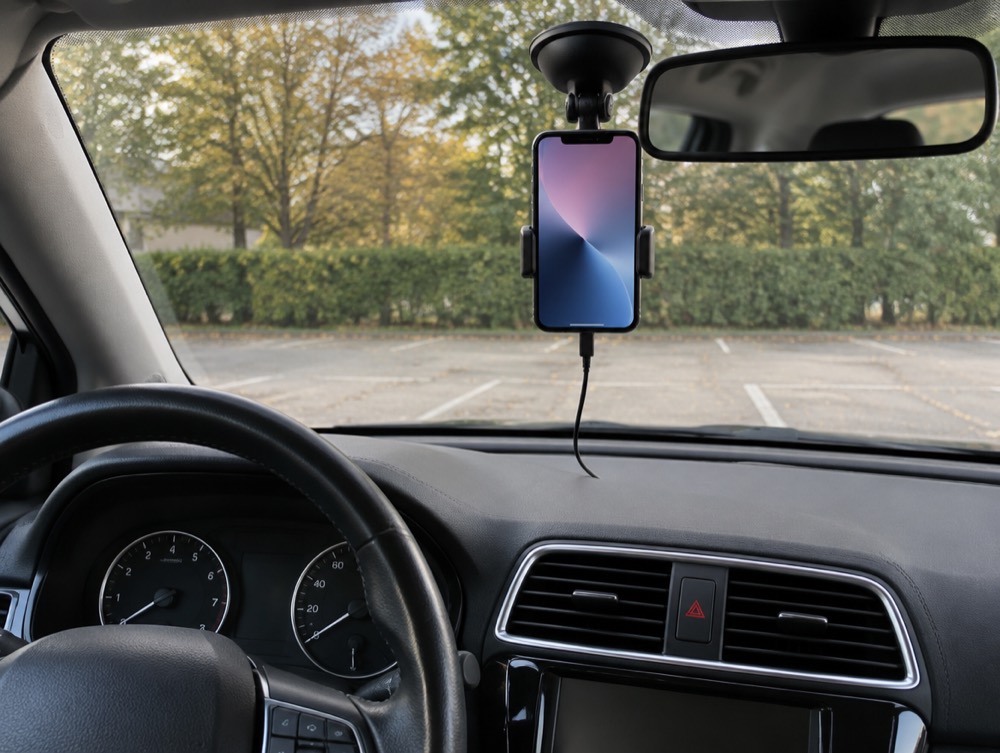
Pocket at the windshield, close on the face, plugged in.iPhone version: a windshield mount, vertical, plugged in.Mic on the chest, on the side away from the seatbelt.
Test the car spot live
Parked, open the live test on your phone and check the frame and the road noise.
Test it live
This uses this phone or laptop's camera and mic. Plug in your clip-on mic first if it connects to this device. Nothing is uploaded: the test stays on this screen.
Eyes in the yellow box
Sound level
–
Check your test:
Testing your real camera (Pocket 3 or another phone)? Record 10 seconds on it, play it back with headphones and use the same five checks.