 Internal · not publicInternal · not public
Raw clips, transcripts and finished edits no longer go on the MacBook. You drop the footage in Google Drive from your phone. A cloud computer edits, color-grades and captions it, and you get a link that plays anywhere.
Google Drive is connected (Nov 26). The cloud computer read your RS Footage folder on its first run and found spider/2026-11-26. You have nothing to set up.
I made a folder in your My Drive called RS Footage, with one folder per client inside it.
Open RS Footage in Drive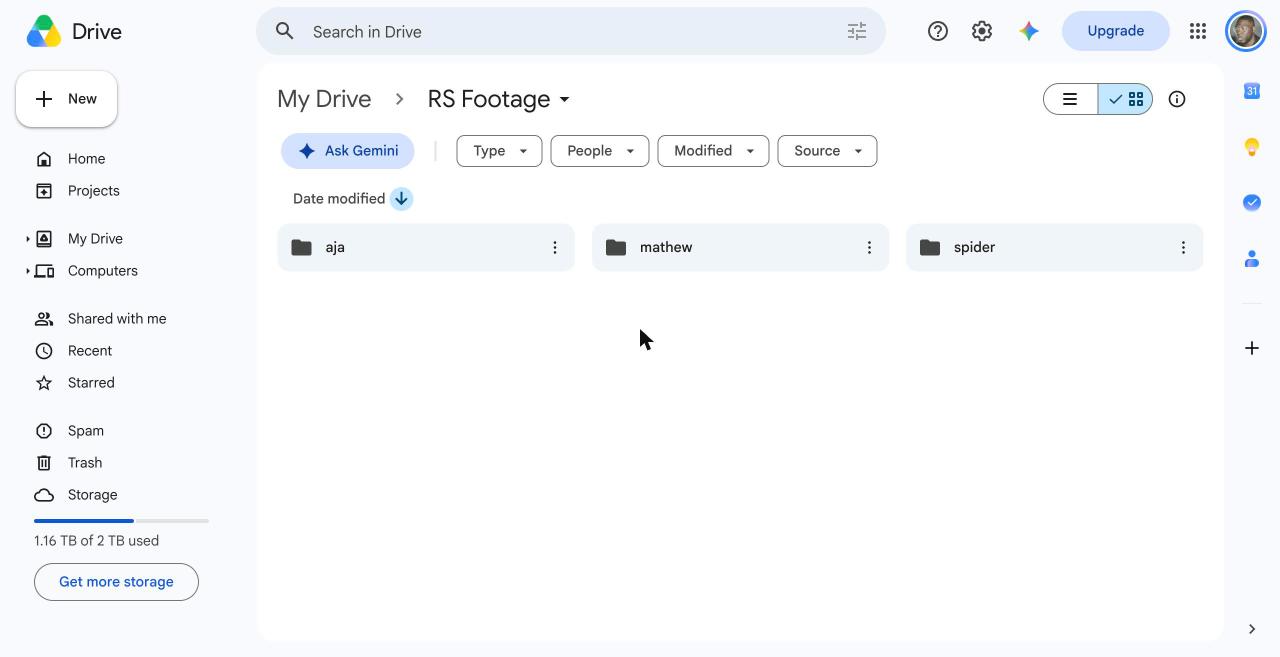
My Drive › RS Footage: one folder per client.
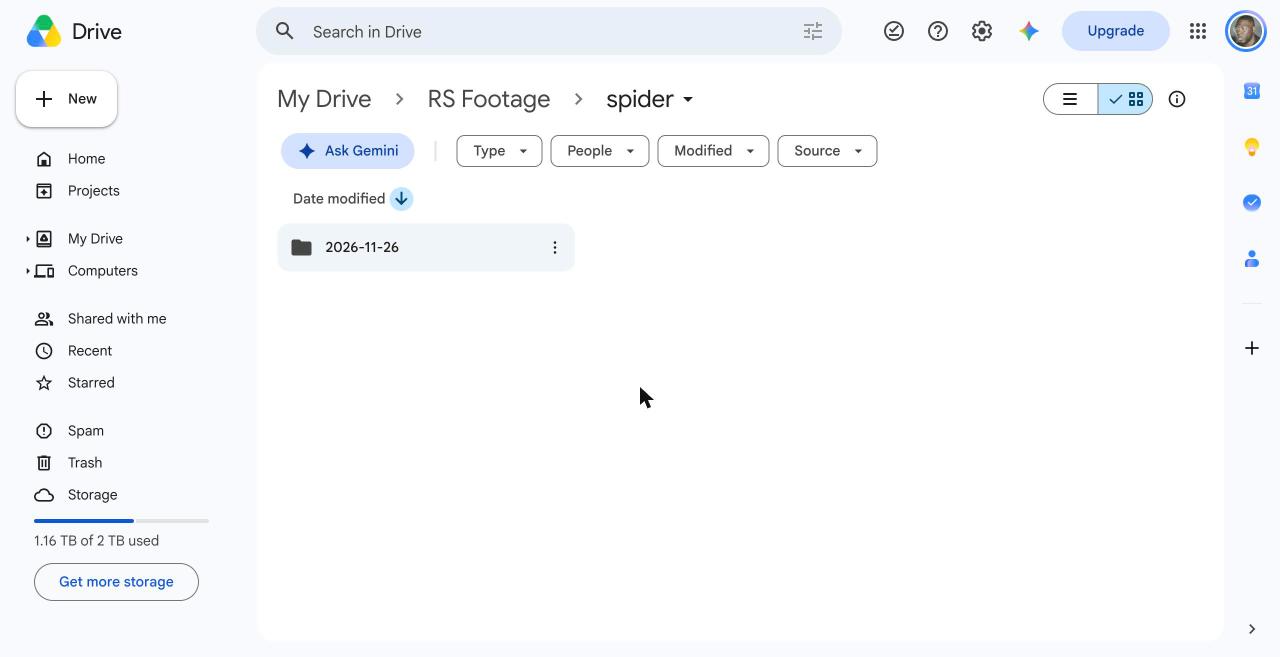
RS Footage › spider › 2026-11-26. The clips go inside the date folder.
spider, not "Spider Ink" one week and "spider" the next).2026-11-26 style. If you shoot twice in one day, use 2026-11-26-night.rs-footage/spider/2026-11-26/raw/ in R2. Files that are already there get skipped, so nothing is copied twice.Easiest way: tell Claude which client, which shoot and what you want. For example, "Make three 45-second reels for Spider from the 11-26 shoot." Claude reads the transcript, picks the moments and writes the job.
A job is a short instruction file: which clip, which seconds, the hook line, the captions style and the brand. Claude drops it in the queue, and the next run picks it up. This is the one that made Spider's first reel:
// r2:rs-footage/_jobs/queue/spider-r1-13-years.json
{
  "client":  "spider",
  "camera":  "dji-dlogm",          // shot in D-Log M → use DJI's official conversion
  "grade":   "spider",             // his look: dark, red-black, moody
  "source":  "spider/2026-11-25/proxy/jiujitsu-interview.mp4",
  "segments": [ {"in": 66.0, "out": 73.3}, {"in": 79.3, "out": 85.5, "tight": true}, … ],
  "hook":    "13 YEARS OF TAEKWONDO.|THEN I STEPPED ON THE MATS.",
  "intro":   "_brand/spider/intro_1n.mp4",
  "outro":   "_brand/spider/outro_n.mp4",
  "out":     "spider/2026-11-25/out/r1-13-years.mp4"
}
Open the render page, click Run workflow, leave the box blank and click the green Run workflow. That runs everything waiting in the queue right away.
Open the render page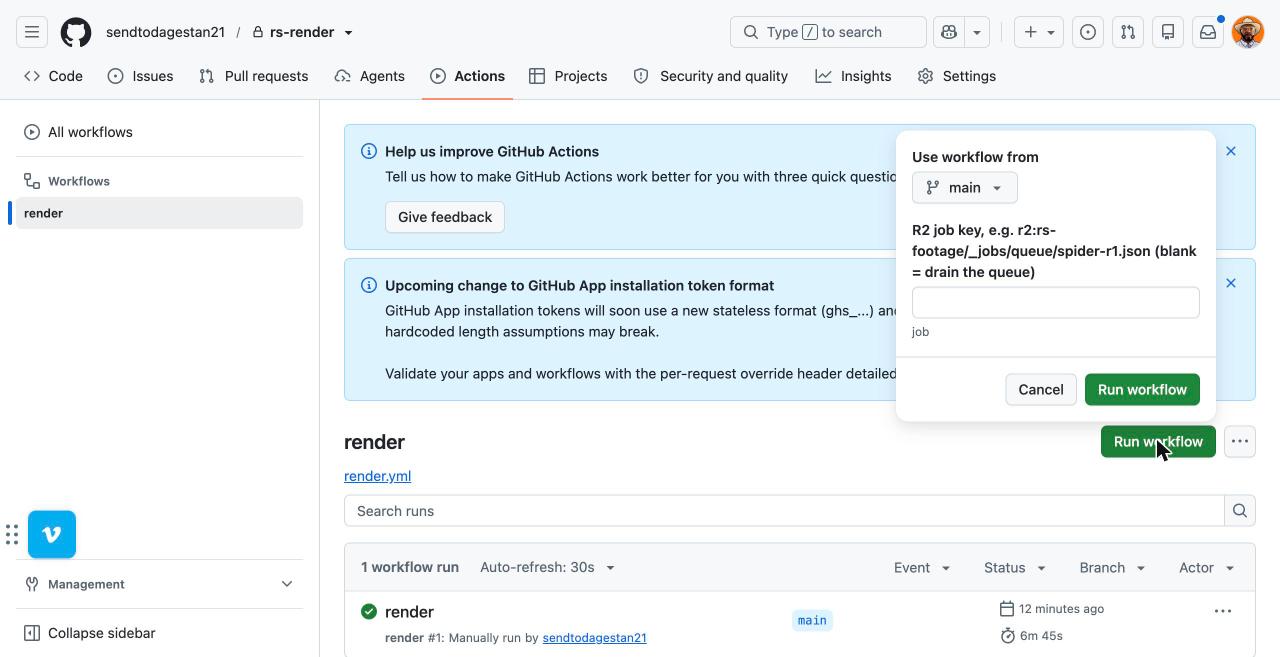
Run workflow → leave the job box blank → Run workflow.
A GitHub computer (not your Mac) pulls the footage, cuts it, converts the log footage, applies the brand color, adds captions and graphics, and saves the result. Spider's 44-second reel took about 7 minutes.
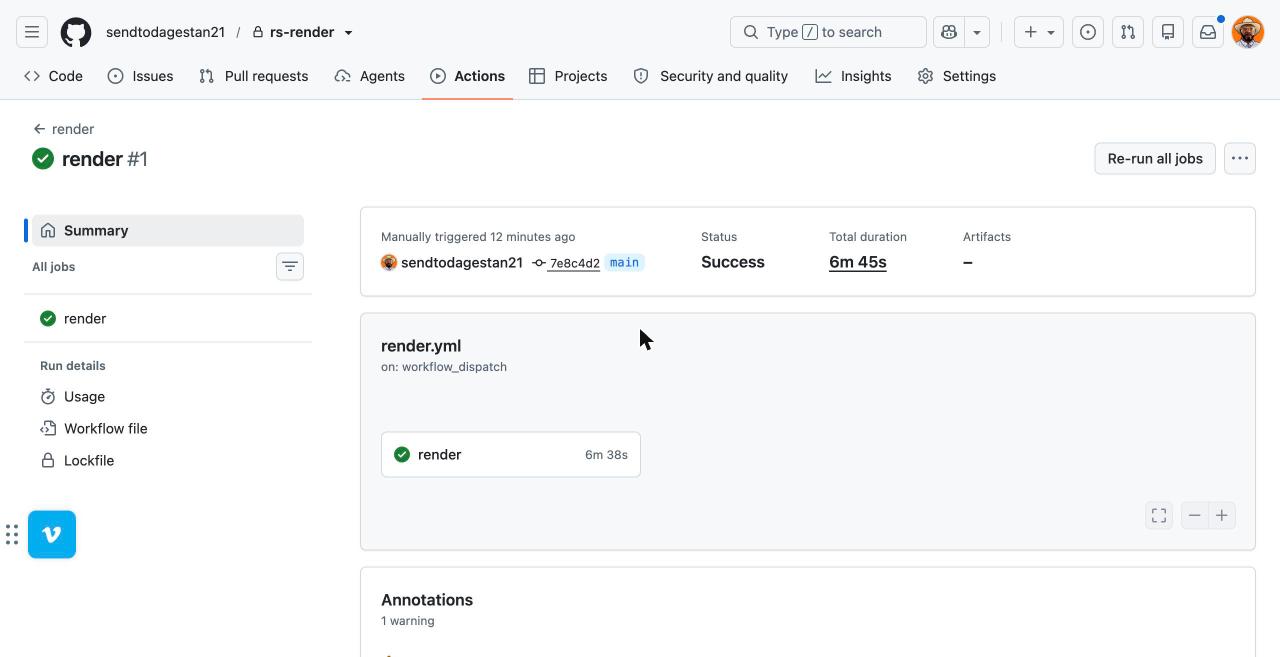
Green check = done. A red X means something broke. Tell Claude, and the error is saved next to the job in _jobs/failed/.
The order never changes: cut → log conversion → brand look → captions on top. Captions and logos are never color-graded.
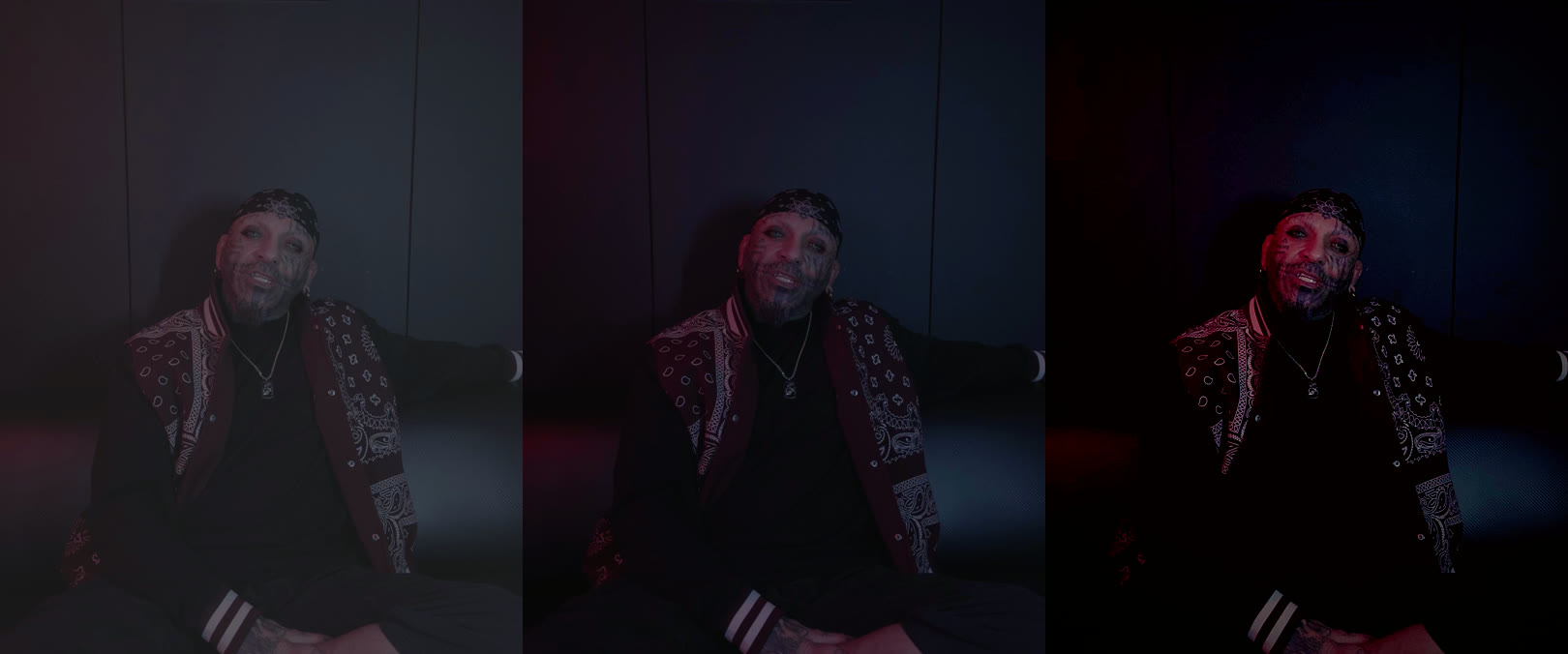
Every finished video gets a public link that plays on any phone or page. Review pages now point at these links instead of carrying the video files.
Rendered fully in the cloud on Nov 26 from footage in storage: DJI conversion, his grade, captions, intro and outro.
Links always look like:…r2.dev/rs-out/<client>/<shoot date>/out/<name>.mp4
| What | Where | Who touches it |
|---|---|---|
| What has arrived and what is finished | The footage library page | You and the team, to check |
| Your drop folder | Google Drive › RS Footage | You, from your phone |
| All footage | Cloudflare R2, bucket rs-footage (private) | Copied in automatically |
| Inside a shoot | raw/ camera files · proxy/ working copies · tx/ transcripts · out/ finished videos | The render computer |
| Brand pieces | rs-footage/_brand/<client>/: intros, outros, music | Claude |
| Render queue | rs-footage/_jobs/ queue → running → done / failed | Claude |
| Render computer | GitHub › rs-render › Actions | Runs on its own every 30 min |
| Public links | pub-f26e…r2.dev/rs-out/… | Paste anywhere |